Scroll down
LEGO® catalogue, scanner and collection tracker

Look up any set. Track the ones you own.

Search the catalogue, check what a set is made of and what it goes for - free, with no account. Sign in only when you want a collection of your own.

BrickDb in the app stores

Take BrickDb with you – get the app.

Scan set boxes and minifigure bags with the camera, and keep editing your collection offline – your changes sync as soon as you are back online. You sign in with the same account as on the web.

  • Download from the Microsoft Store
  • Get it on Google Play
  • Available at Amazon Appstore
  • Coming soon for iPhone, iPad and Mac (App Store)
What BrickDb does

Everything about your bricks, in one place

Scan a set box

Point your camera at the barcode on a set box, or photograph its printed set number, and BrickDb finds the set.

Browse the catalogue

Every set, minifigure and part, with its theme, year and inventory.

Track your collection

Record every copy you own, its condition and what came with it.

Know what it is worth

Market values from recorded sales, always with the sample behind the figure.

More to discover

Make, find and collect

All features
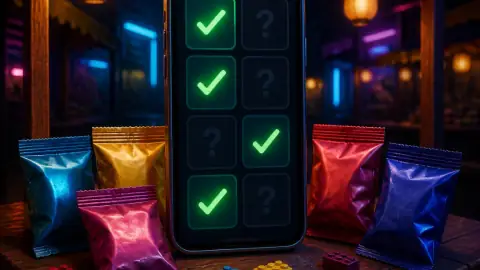
Illustration: a phone at a market stall showing ticked cards, with foil blind bags around it

Complete your collectible series

Every collectible minifigure and set series, what each one sells for and which you are still missing – scan the blind box at a stall and know at once.

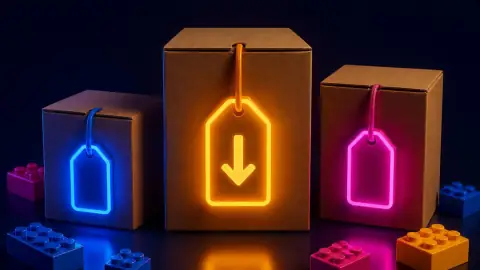
Illustration: three plain boxes with glowing price tags, the middle one marked down

Pay less for your next set

Every shop's price on one page, the price history at a glance, and the best deals in your country right now.
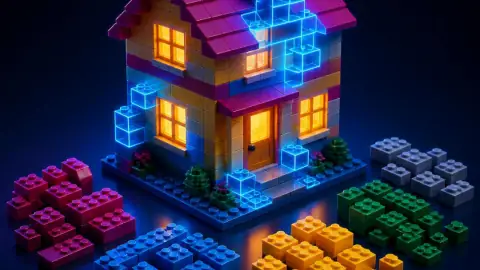
Illustration: a brick house with its missing bricks drawn as glowing outlines, sorted bricks beside it

See what your parts can build

With your collection on BrickDb, every set says how much of it your parts already cover – and what is missing.

Illustration: a sunset built from tiny studs, with a phone showing the same picture

Turn a photo into a mosaic

Pick a photo and colours LEGO® really makes, and get the parts list and printable instructions.

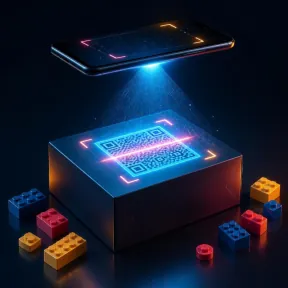
Illustration: a phone scanning a black-and-white QR code tiled on a plate

Build a QR code from bricks

A link, your Wi-Fi or a contact as a brick-built code a phone can really read – parts and instructions included.
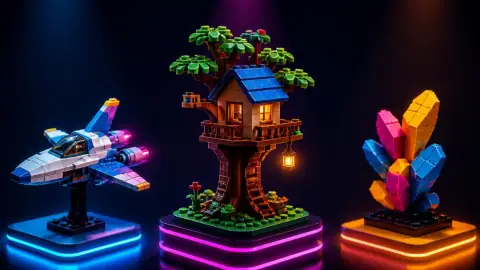
Illustration: three brick-built creations on lit pedestals

Browse fans' own creations

The MOC gallery: models members designed and built themselves, with photos, parts lists and instructions.
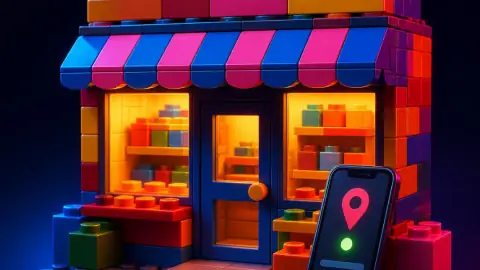
Illustration: a brick-built shopfront and a phone showing a map pin

Find a LEGO® store near you

Official stores, certified stores, used-LEGO shops and toy stores with their opening hours – at home or on holiday.

Illustration: a brick-built park gate with a roller coaster and a big wheel, and a phone listing waiting times

Beat the queues at LEGOLAND®

Every LEGOLAND park with today's opening hours and the live waiting time of each ride.
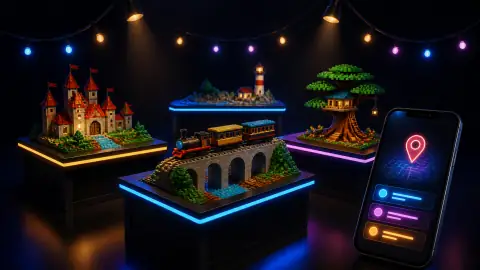
Illustration: brick-built models on exhibition tables under string lights, and a phone with a map pin

Meet other fans

Fan events, exhibitions and store openings near you, each one checked by a moderator.

Themes in the catalogue

  • Gear
  • Duplo
  • Educational and Dacta
  • Star Wars
  • City
  • Collectible Minifigures
  • Friends
  • Ninjago
  • Town
  • Creator
  • Technic
  • LEGO Brand Store
  • Seasonal
  • Service Packs
  • System
  • Bionicle
  • Books
  • Universal Building Set
  • Super Heroes Marvel
  • Promotional
  • Space
  • Other
  • Disney
  • Racers

Browse all themes

The catalogue in numbers

20,532

Sets

17,314

Minifigures

64,906

Parts

How it works

From a box on the shelf to a collection you know

01

Find it

Search the catalogue by name or number, or scan the barcode on the box.

02

Add it

Record each copy you own, with its condition, box and instructions.

03

Value it

See what your collection is worth from recorded sales, with the sample behind every figure.

04

Share it

Keep a wishlist, and share collections with the people you build with.

Who builds BrickDb

Built by a collector

BrickDb is built by a LEGO collector and .NET developer, for collectors who want to know what they own. Read how it came about and what it is for.

Meet the team


Thimo Buchheister

Thimo Buchheister

Founder & CEO, ThreeB IT GmbH

A .NET developer in Ibbenbüren with a soft spot for 1980s and 90s sets.

From the blog

Latest posts

All posts
10/21/2026

LEGO® Jurassic World: The Exhibition Comes to Oberhausen

From 19 November 2026 the OBEX in Oberhausen shows LEGO® Jurassic World: The Exhibition, Brickman's touring show of more than 50 dinosaur models from over six million bricks, for its German premiere. Dates, opening hours, tickets, how to get there and what to expect.

10/20/2026

LEGOLAND Deutschland at Halloween: BOO Crew, Miniland in Autumn and 40% Off Loose Bricks

A cold, cloudy October day at LEGOLAND Deutschland in Günzburg with Andrea: the Halloween season "Brav sein kann warten" with its BOO Crew missions and giant ghosts, Miniland's Venice and Berlin in full autumn colour, Einstein's 1,875-kg head, and a LEGO Fabrik Shop where loose bricks sold by weight are 40% off for the rest of the season. A report in photographs.

10/1/2026

LEGO® sets for October: Bookshelves, space and holiday plans

October leaves room for very different building plans. Here is what is already available, what is still to come and what has only been listed in the shop.


Questions, ideas, or a set we got wrong?

An unhandled error has occurred. Reload 🗙

Rejoining the server...

Rejoin failed... trying again in seconds.

Failed to rejoin.
Please retry or reload the page.

The session has been paused by the server.

Failed to resume the session.
Please reload the page.